INTRODUCTION
Terminal EMS System Interface
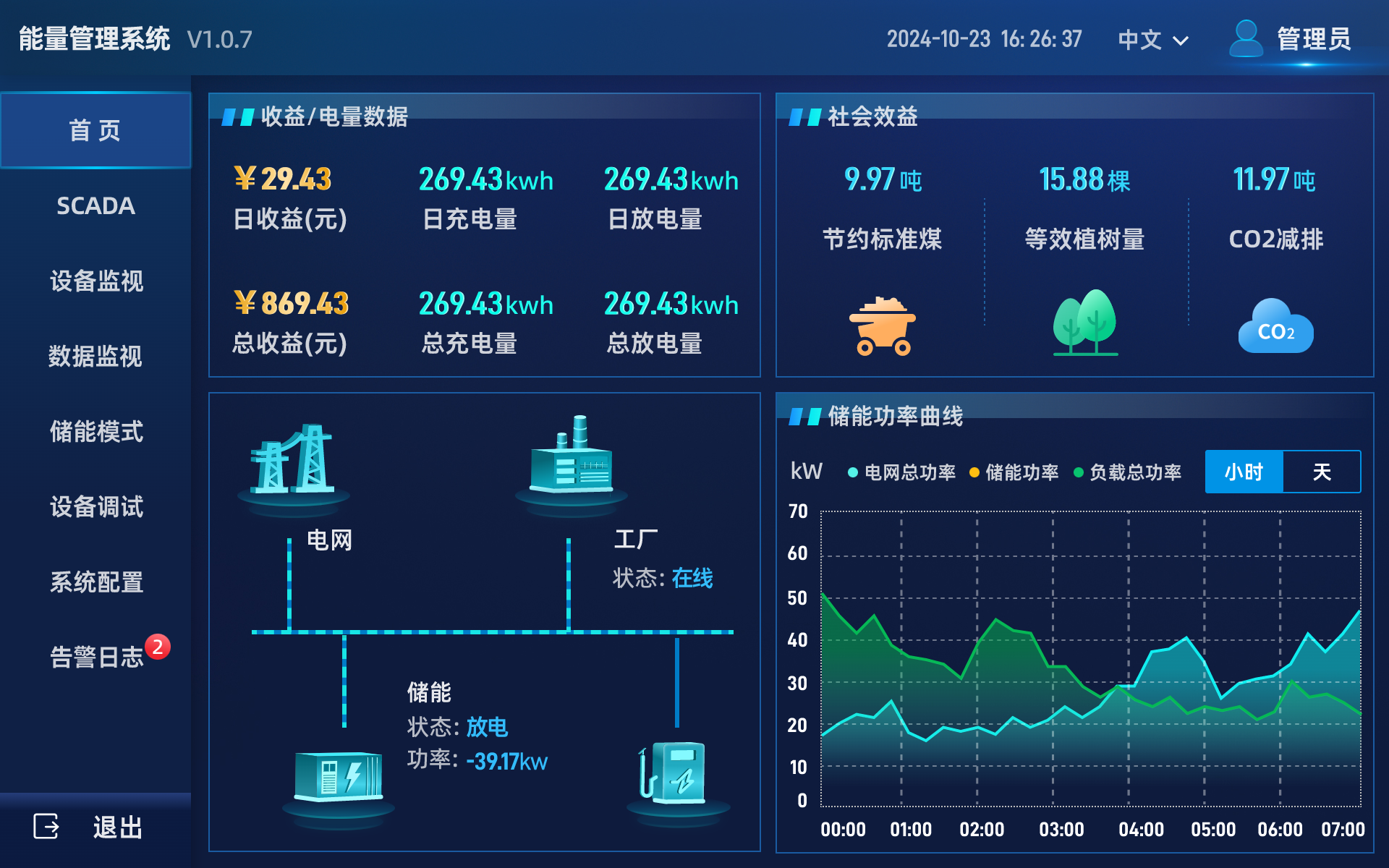
01-Homepage
Displays the energy storage system's power capacity, revenue, and relevant equipment power curves.
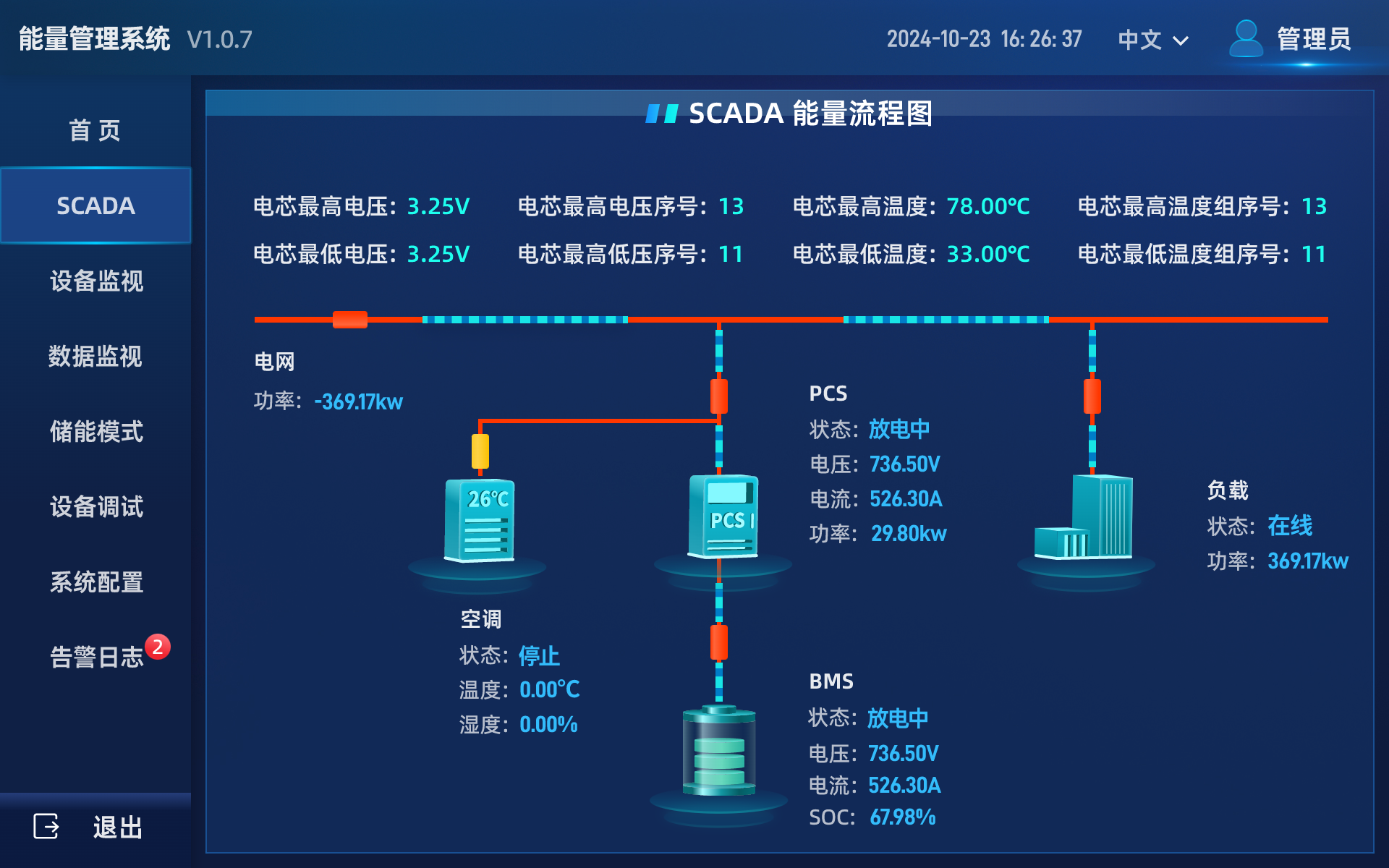
02-SCADA
Shows the project's wiring diagram and dynamically presents key parameters of corresponding nodes.
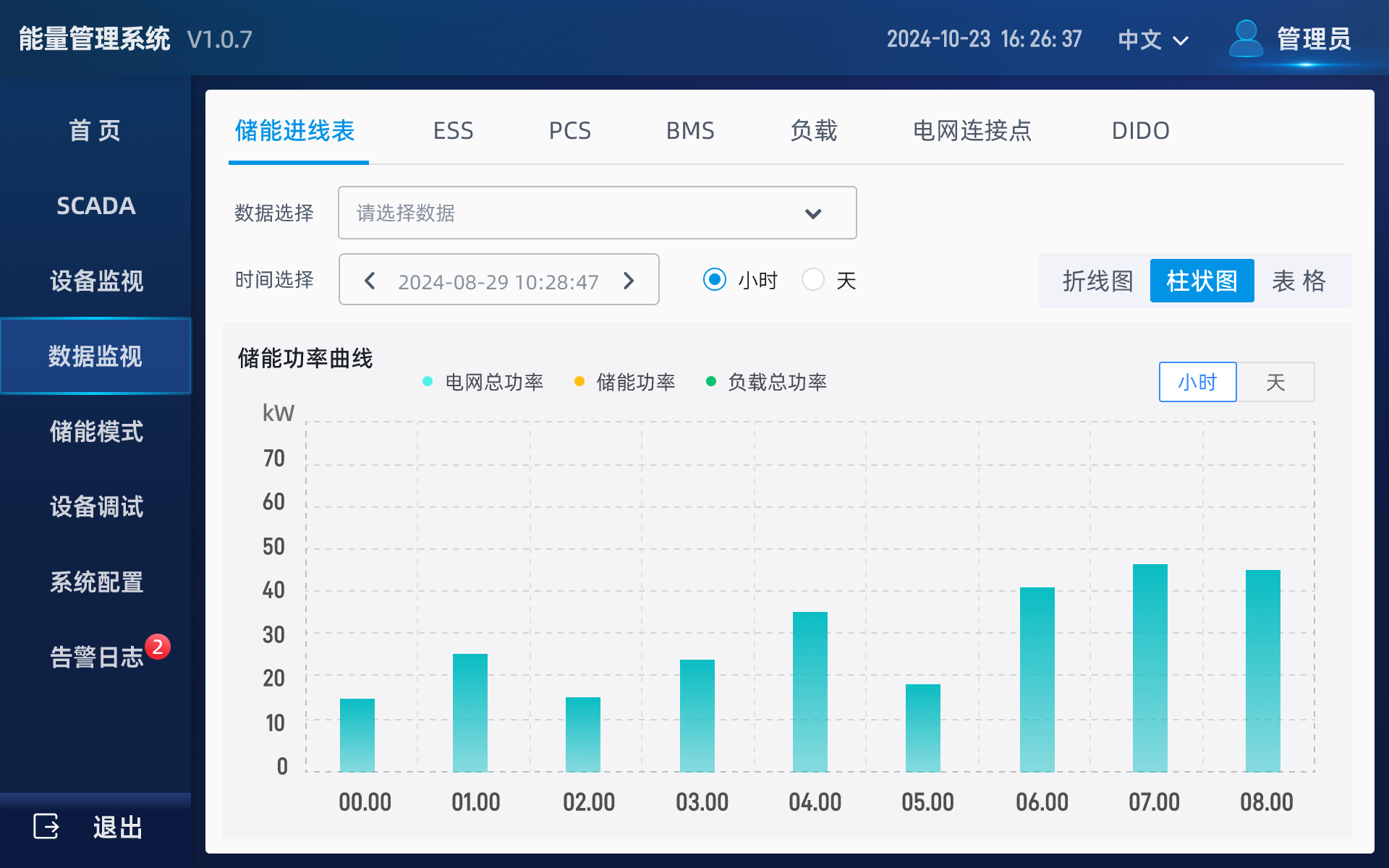
03-Data Monitoring
Supports querying historical data of devices such as BMS, PCS, and electric meters.
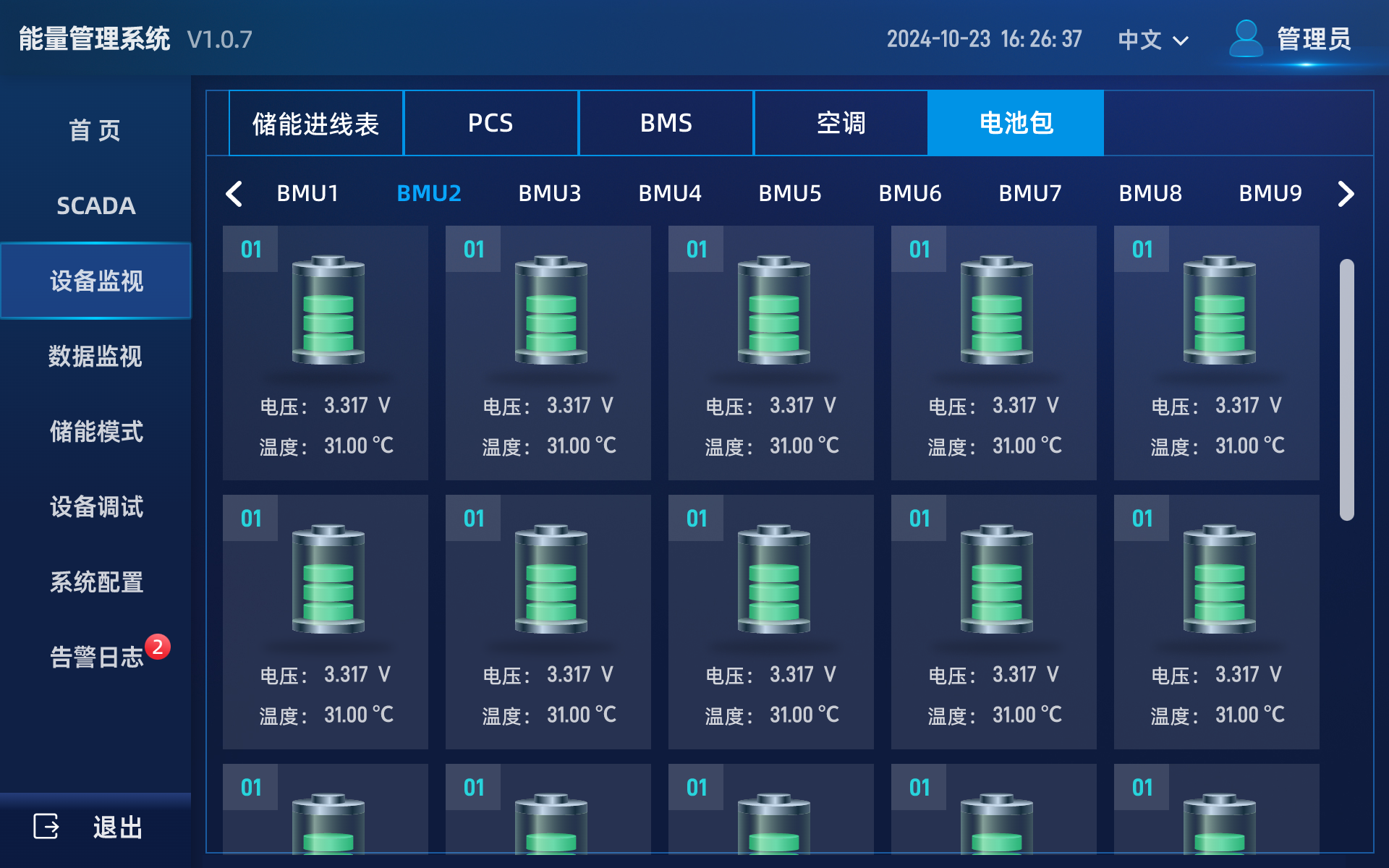
04-Equipment Monitoring
Displays real-time data of devices including PCS, BMS, electric meters, and air conditioners.
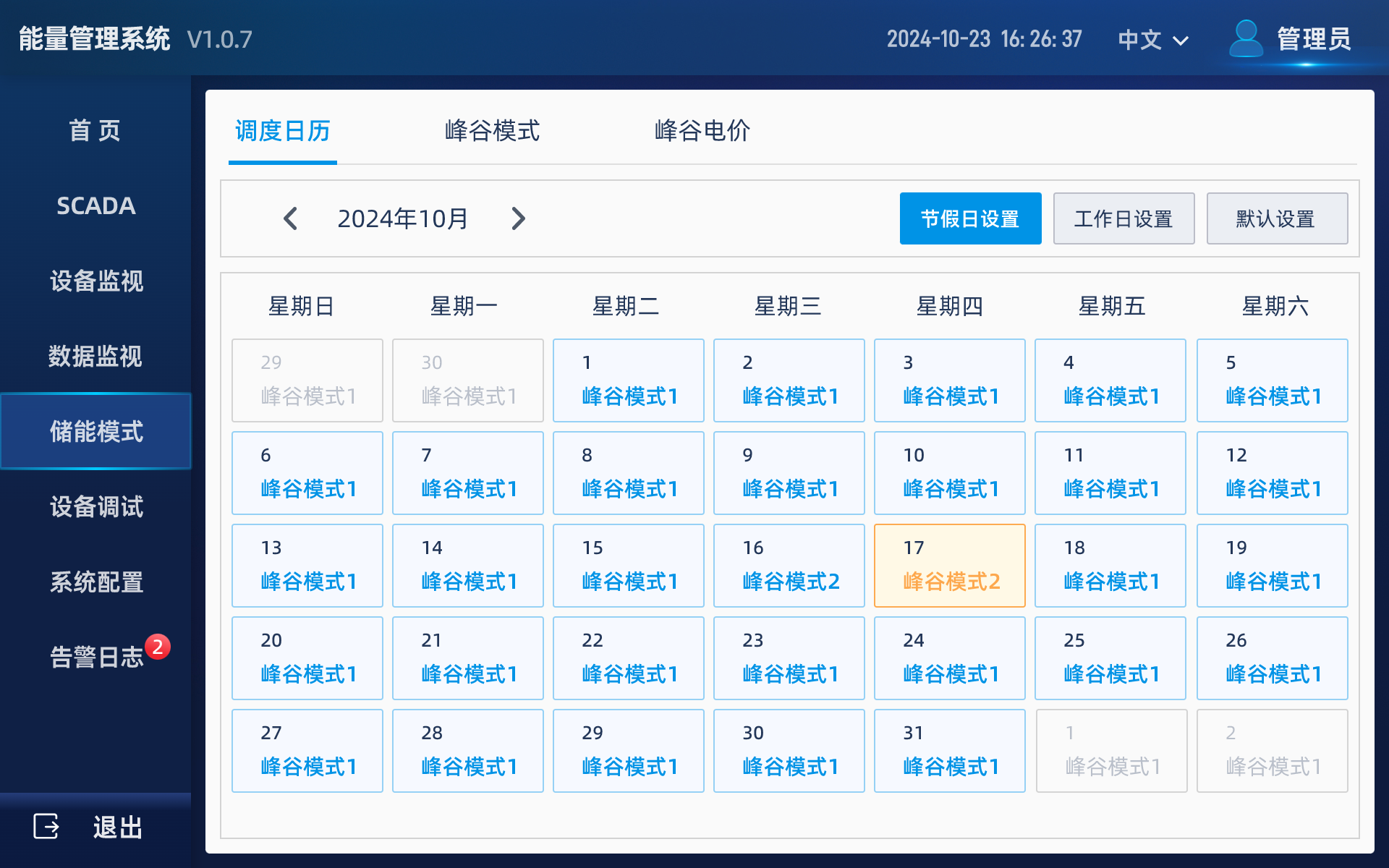
05-Energy Storage Mode
Supports configuring the operation time and charging/discharging power of the energy storage cabinet's peak-valley mode.
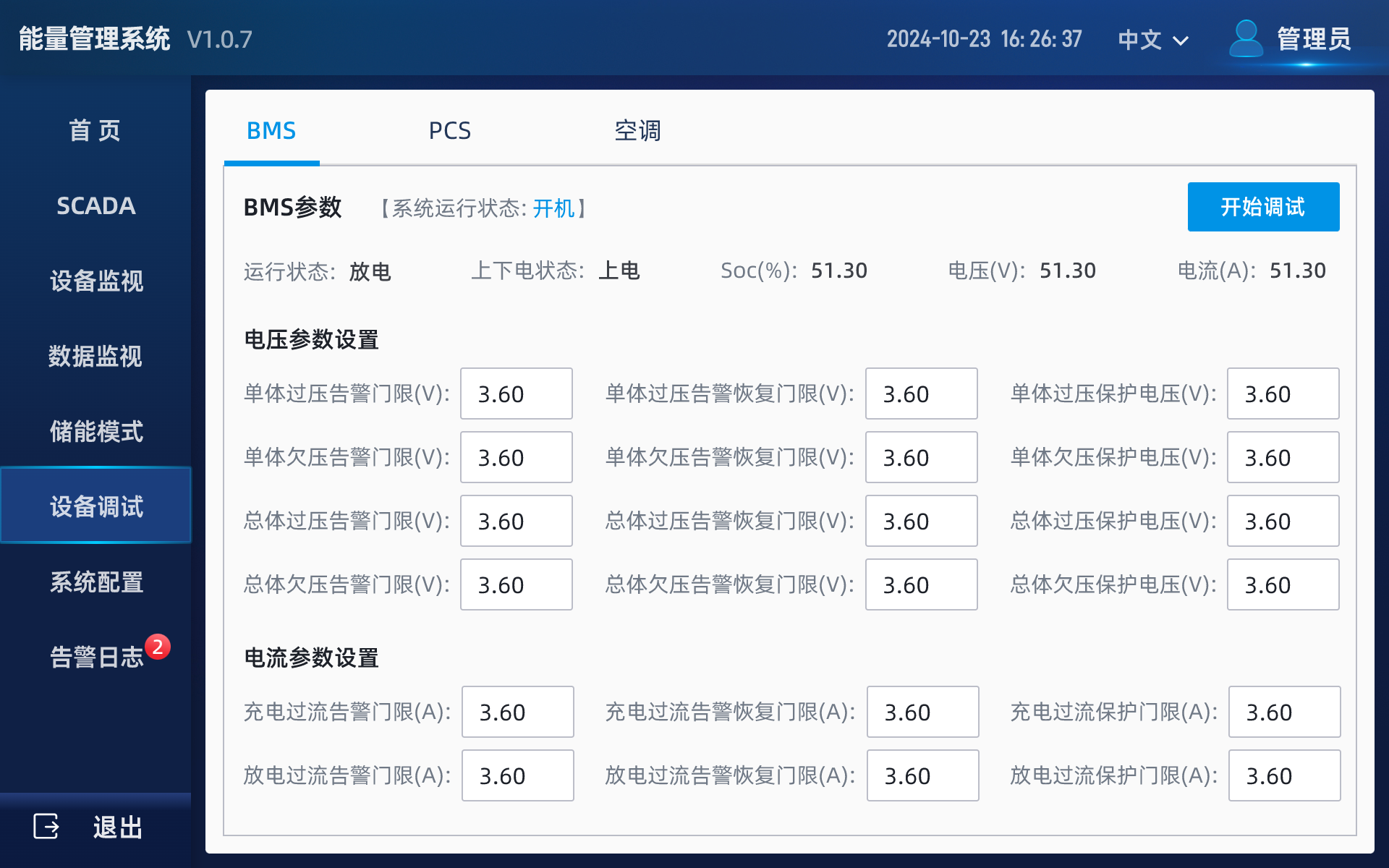
06-Equipment Debugging
Supports debugging key parameters of devices such as BMS, PCS, and air conditioners.
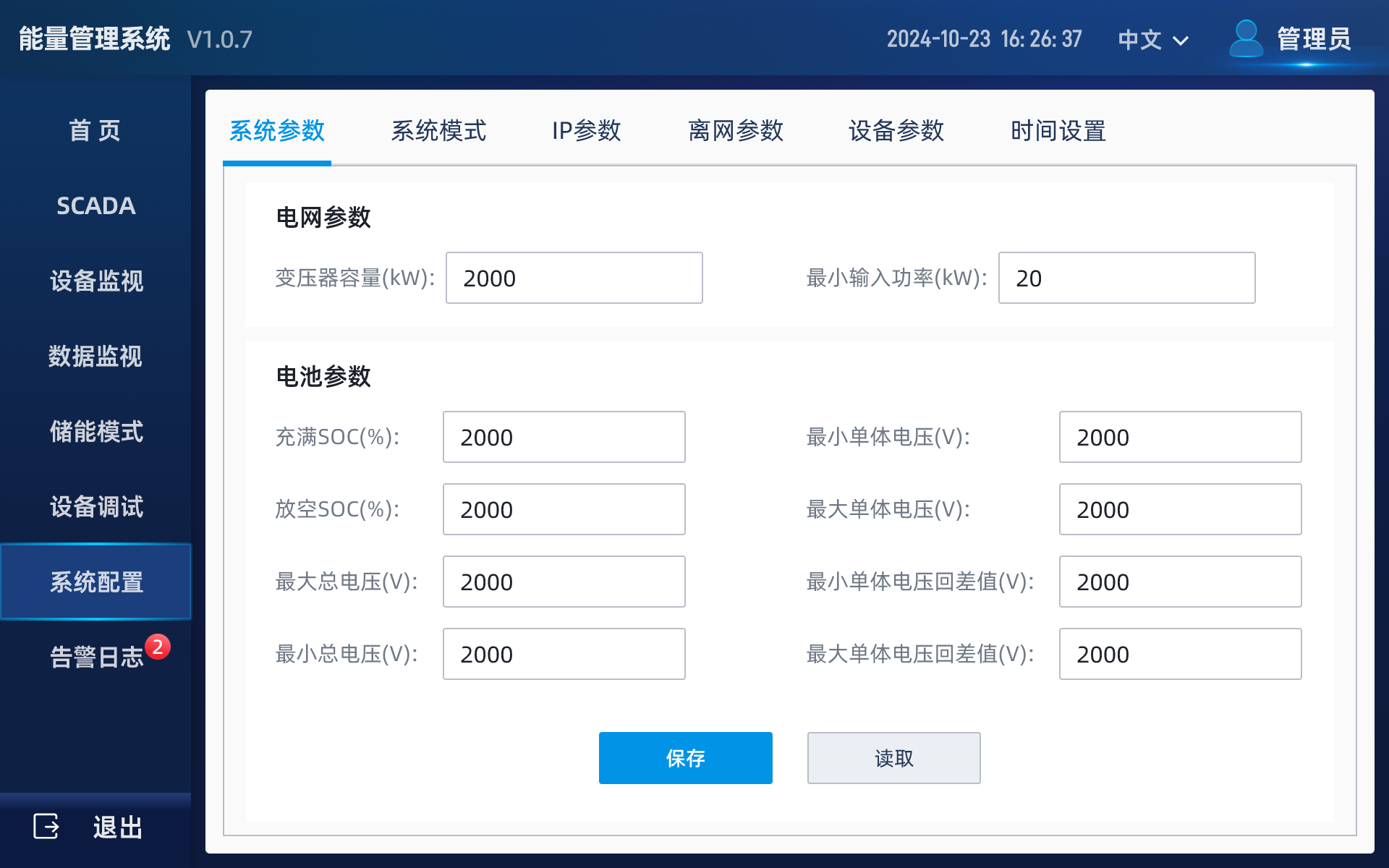
07-System Configuration
Supports functions such as configuring system parameters, off-grid parameters, synchronizing system time, and setting IP configurations.
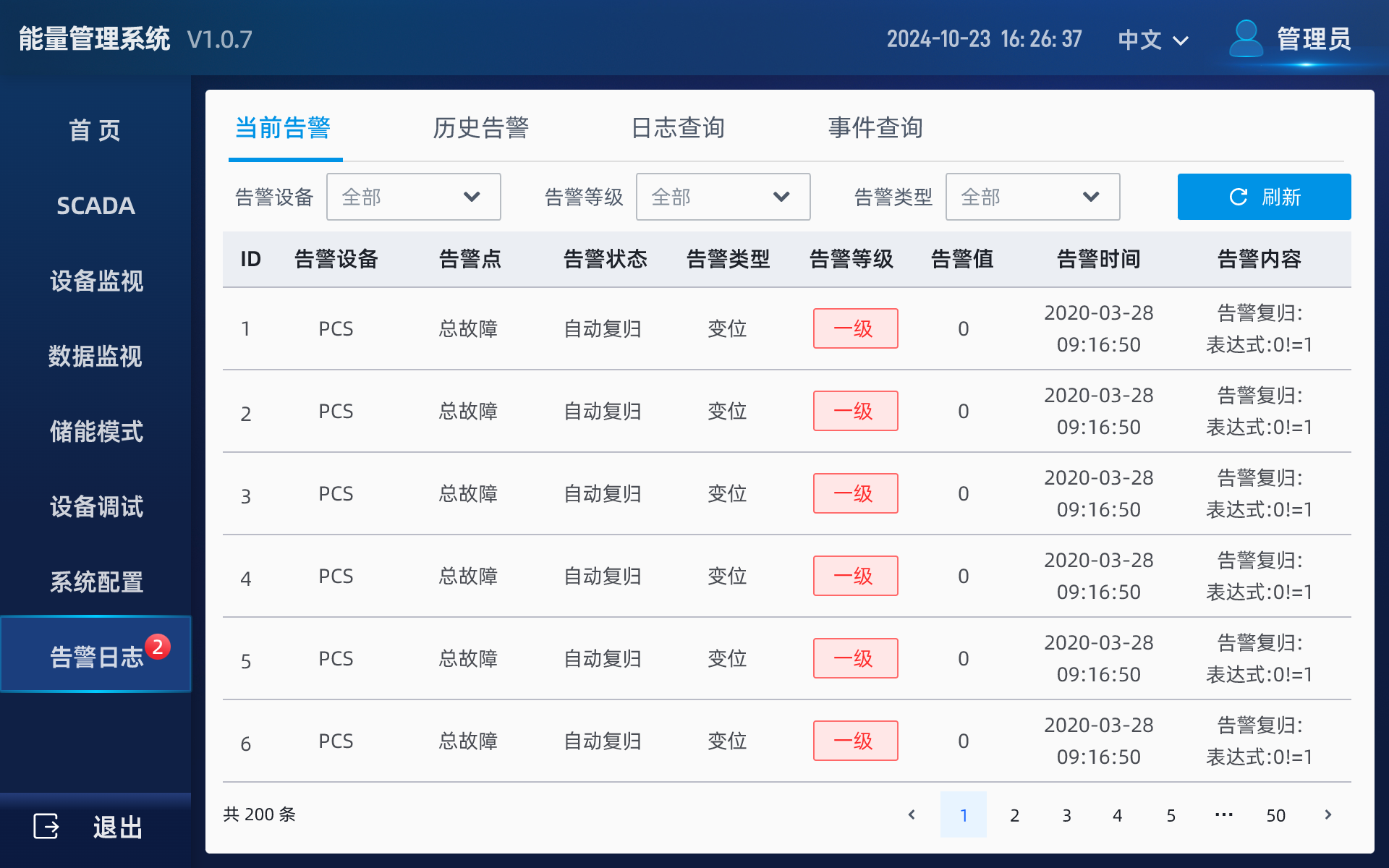
08-Alarm Log
Displays alarm information during the current system operation, and allows querying all historical events based on combined conditions such as occurrence time, fault type, and equipment type.